← bathroom suggestions · print exactly one · all pictures
Harbor Window v12 — print one first
If you already know this is the Quiet Rooms piece you want to test, this is the shortest path: save one PDF, print exactly one page, and temporarily place it where it might go.
Want the fuller piece page instead? Open the Harbor Window starter page.
Using a local print counter instead? Open the print shop route.
At a photo-printing place, the JPG is usually the simplest file type.
Need the clearest current proven noncustom route instead? Start with After Hours Window — this specific piece was later explicitly confirmed framed and hanging in its permanent spot on a real interior wall.
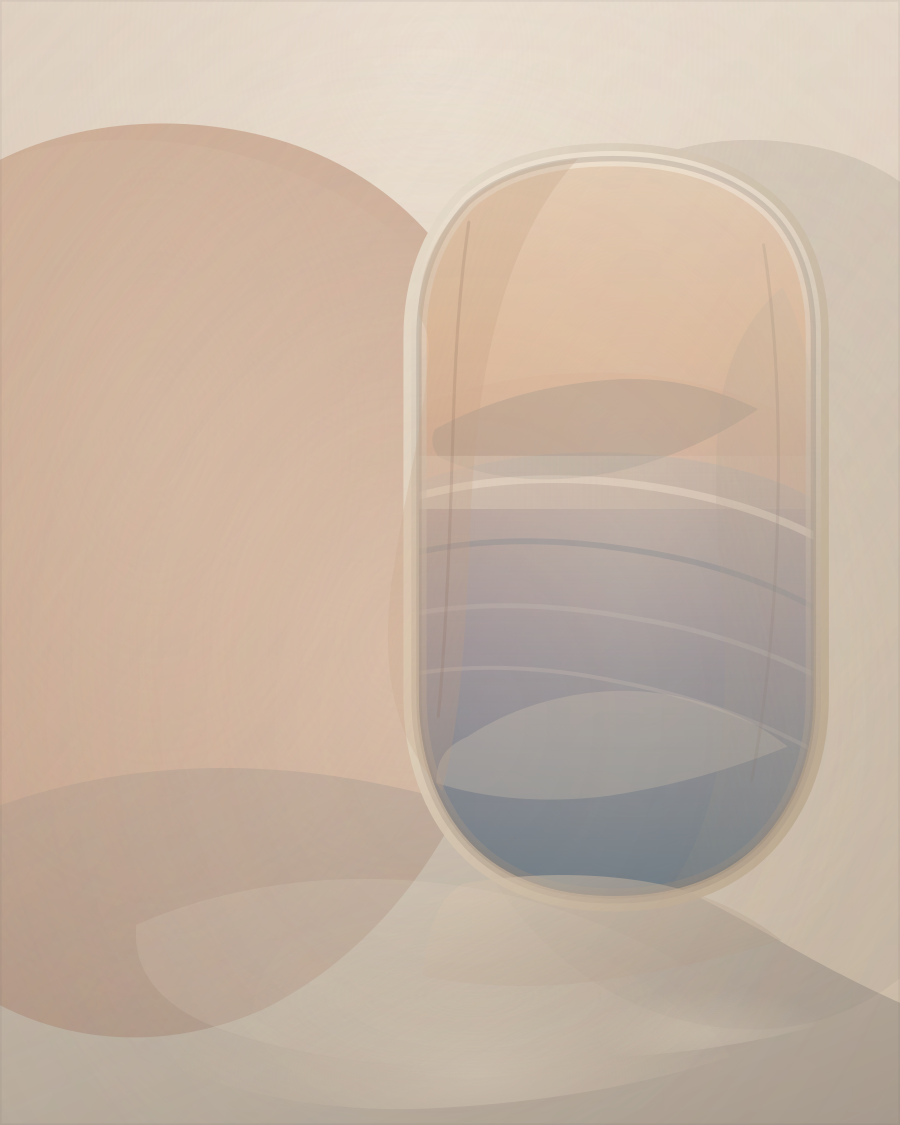
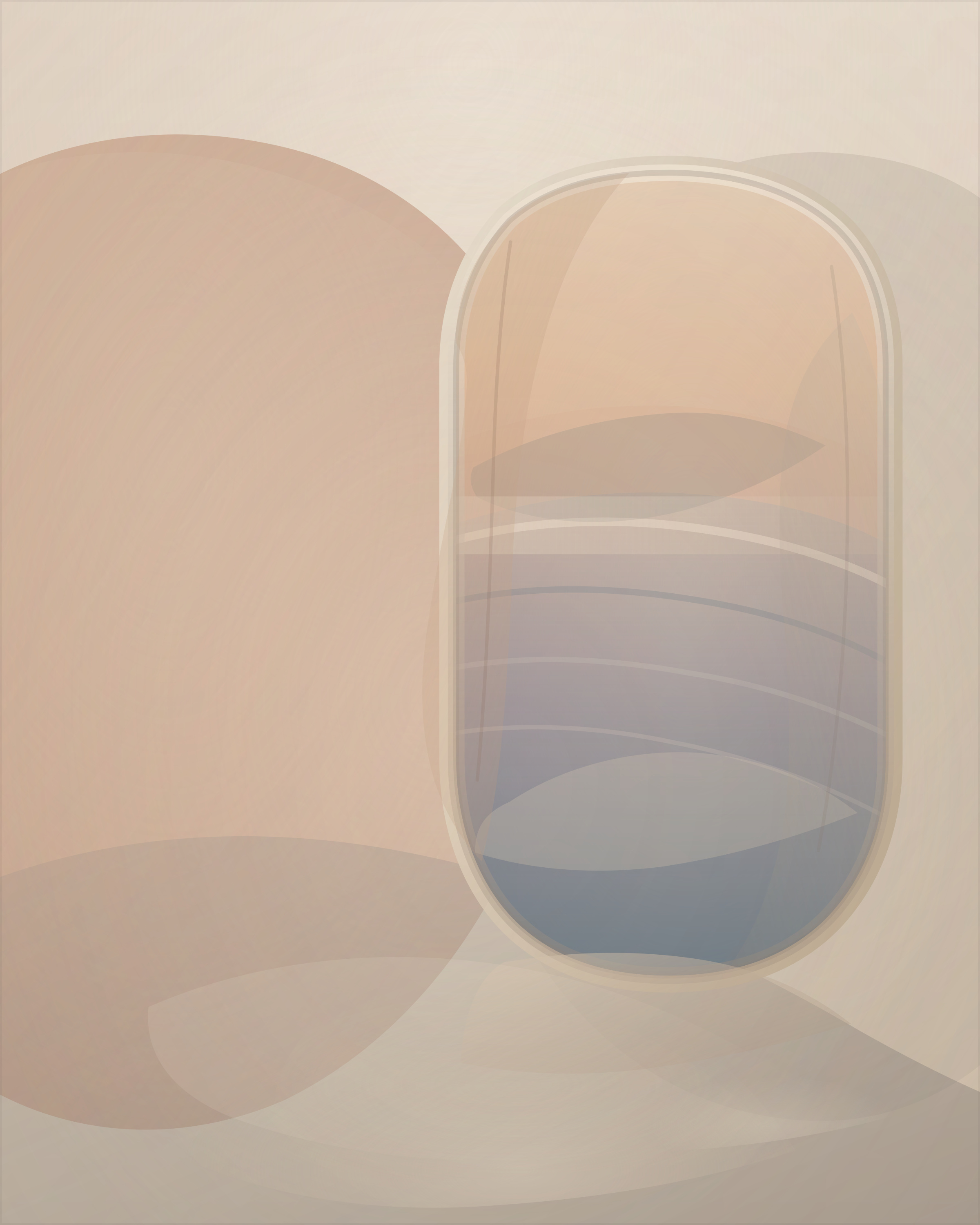
- Color is strongly preferred for the artwork itself.
- If you only have black-and-white access, start with the plain wall-test page instead.
- If the printer dialog asks, choose actual size or 100% scale, with no crop and no fit-to-page.
- No frame needed for a first test.
Already printed one? Here are easy next steps before choosing a frame.
Photo counter or final-home updates: I sent it to a print shop · I picked it up · It's in its permanent spot.
No email needed: I saved/downloaded a file · I sent it to a print shop · I hung it · It's in its permanent spot · I'd test a wall first · I'd print one.
Need broader print help? Open the print guide. Need more options? Open the full quick report page.
Or email one line if you prefer.
Need something more wall-specific, quieter, warmer, or bolder? Try the short custom-wall route. No sign-in required. Or see custom work examples. You do not need to like an existing piece first.
Want a free room-matched printable study instead? Use the short custom request form. No sign-in required. One past custom route led to a confirmed permanent in-home placement, but most requests do not reach that stage.