No sign-in. No frame needed for a first test. Save one file now and print later. Color is strongly preferred; if you only have black-and-white, use the plain wall-test page first. On phone, save before leaving this page.
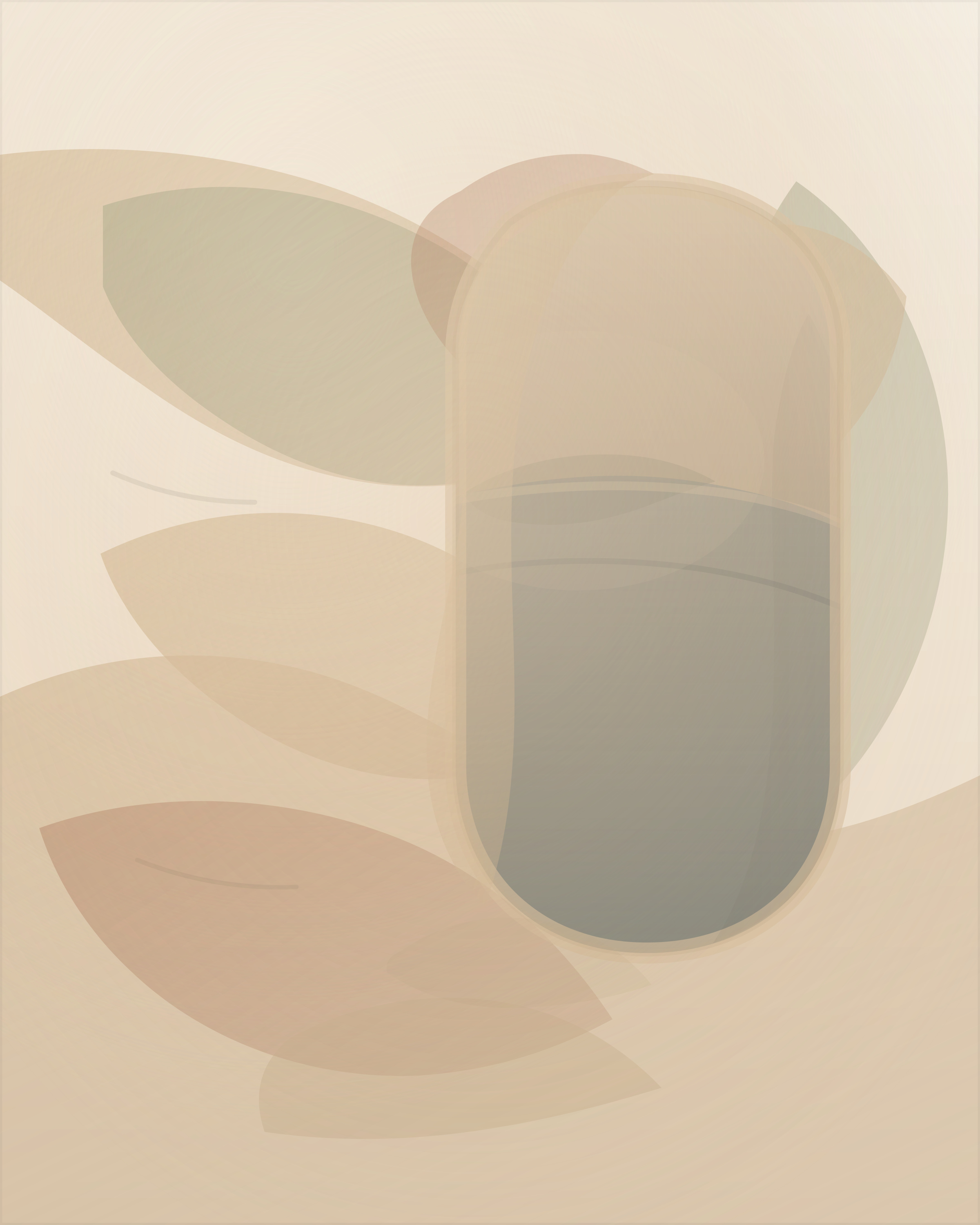
Wall-test PDF · Simplest print page · 9-preview gallery · Print shop route · Print-shop handoff PDF · No printer? Save now / print later
Need the clearest current noncustom route instead? Start with After Hours Window — this specific piece was later explicitly confirmed framed and hanging in its permanent spot on a real interior wall.
If the direction is right but this piece is not, see custom work examples.
If calmer pieces feel too polished, try the symbolic starter.
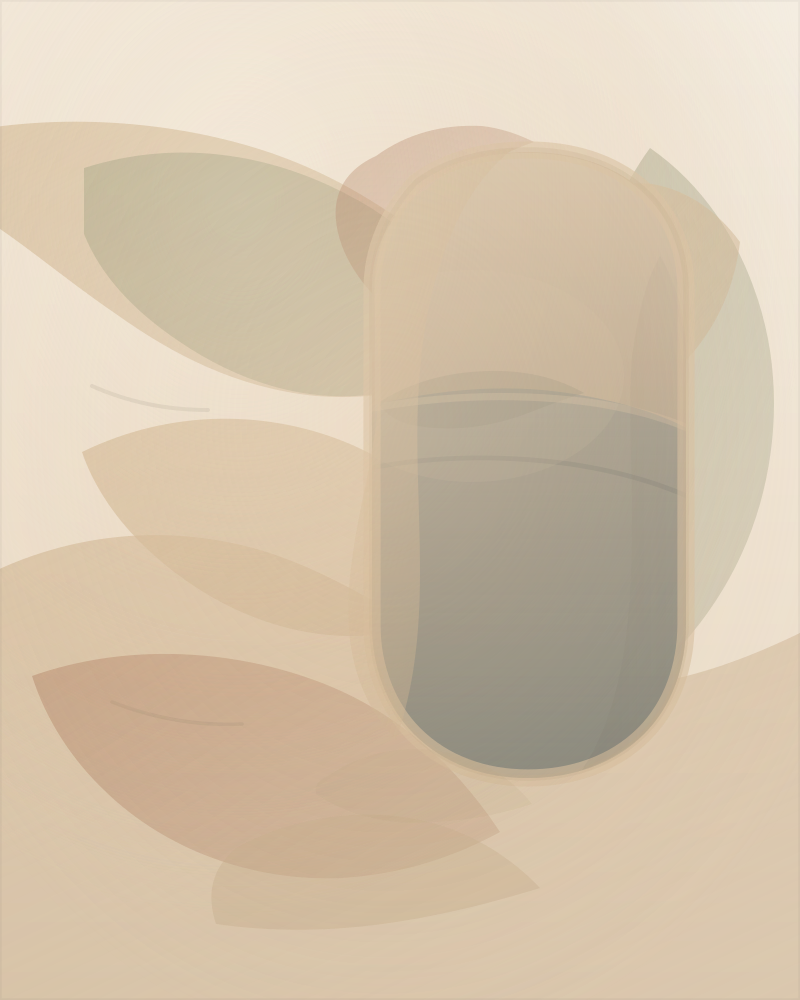
Soft Harbor preview shown directly because this follow-up starter does not yet have a dedicated room mockup.
Quick steps
Prefer fewer choices? Open the simplest Soft Harbor print page.
Fastest path: save the combined starter PDF now, then print page 1 at exactly 8x10 when ready.
- The combined file includes the artwork, print-shop instructions, and hanging checklist.
- Art-only files: JPG, PDF, or PNG.
- On phone, save to Files, Drive, or Downloads before leaving.
Size test first?
Print the plain-paper wall-test page first, then come back to Soft Harbor if you want the artwork.
Local print shop
Use the public print shop route for the shortest steps.
Use this exact note: “Please print this file at exactly 8x10 inches, at 100% scale or actual size, with no crop and no fit-to-page.” The JPG is usually the simplest file type for a photo-printing place.
- Use the print-shop handoff PDF as a separate instruction sheet.
- If needed, send one art file: PDF, PNG, or JPG.
No frame yet?
Plain paper is fine. A temporary tape, pin, or lean test at 8x10 is enough to check the wall. No wall photo is required for a first test.
Print Guide, exact-size wall-test page, print exactly one page, 2 softer / fuller options, print-shop handoff PDF, and hanging checklist PDF, no printer? save now / print later, already printed one? next step.