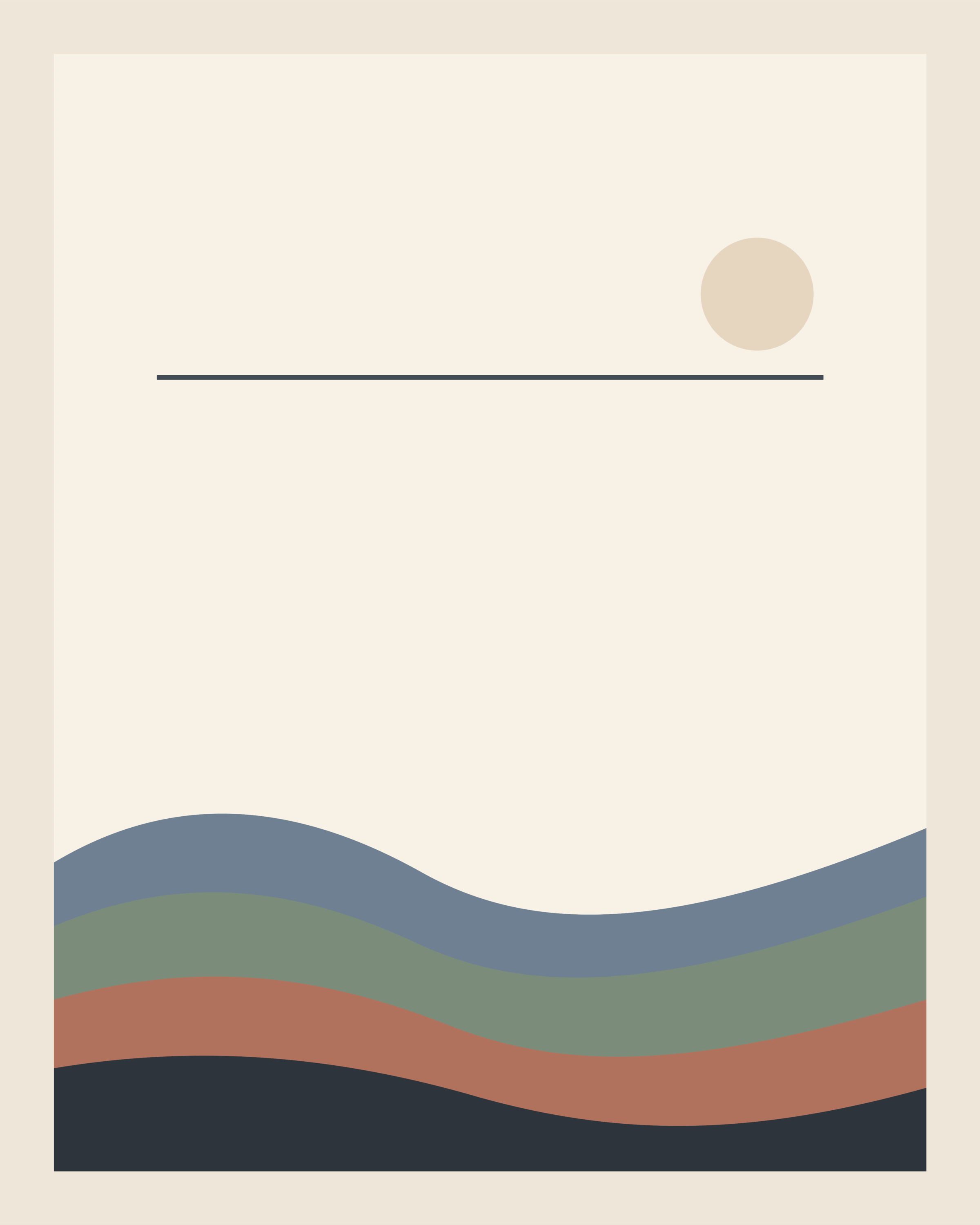
No sign-in is required, no account is needed, and downloads here are direct static files.
Best first use: bedrooms, desks, or a narrow wall that needs one calm focal print.
What’s inside
If you want the fastest path: download the combined starter PDF above, print page 1 at actual size (8x10), then use the checklist on page 3.
The ZIP is a lightweight 392 KB download and includes exactly three files: the Dusk Ridge 8x10 print-ready PNG, the one-page hanging checklist PDF, and a short print-notes text file.
If you want one no-unzip phone file, use the combined starter PDF above. It merges Dusk Ridge 8x10, the print-shop handoff page, and the hanging checklist in that order.
Some print dialogs or local shops may prefer the optional 8x10 PDF download, but the PNG remains the default artwork file in the starter bundle.
The bundle now includes simple print settings for home or local-shop printing.
If you hand this to a local print shop
Use this exact note: “Please print this file at exactly 8x10 inches, at 100% scale or actual size, with no crop and no fit-to-page.”
If the shop prefers PDF, use the optional 8x10 PDF download above; if they prefer image files, use the PNG.
Optional aid: Quiet Rooms print-shop handoff PDF
Starting from your phone?
The simplest no-unzip option is the combined starter PDF above: one 3-page file with the artwork PDF, handoff note, and checklist together.
For the simplest save-for-later path on phone, open the combined starter PDF and save it to Files, Drive, or Downloads before leaving this page.
If you're browsing on your phone and may use a local copy/photo/print shop later, use the one-click phone print pack above. It combines the Dusk Ridge 8x10 PDF with the print-shop handoff and hanging checklist files so they are ready together for later local-shop use.
You can still save only the single PDF if you prefer. The same exact-size instruction still applies: print at exactly 8x10 inches, at 100% scale or actual size, with no crop and no fit-to-page.
Home printer reality check
Home printing is easiest if you have 8x10 paper or a printer that can produce a true 8x10 photo print cleanly.
If your printer only takes letter or A4 and keeps forcing fit-to-page, use a local copy, photo, or print shop instead. The optional PDF plus the handoff note above is usually the smoothest exact-size path.
Want to judge wall size before printing the art? Download the free 8x10 wall test page and print it on plain paper first. Need the short instructions page?
Three-step plan
- Print at 8x10. Use home printing for a fast test, or send the file to a local print shop if you prefer.
- Buy one matching 8x10 frame. Keep it simple; the goal is to get one real piece onto one real wall.
- Hang it with the checklist. Use the checklist to keep height and spacing intentional instead of improvising.
If not tonight: save the file now, choose the wall first, and print later at home or at a local shop.
No frame tonight?
You can still do a fast wall test: print Dusk Ridge at 8x10 on plain or heavier paper, lightly tape the top corners with painter's tape or use two small clips, and step back to see if this is the wall you want before buying a frame.
Only use temporary methods your wall and paper allow, remove them carefully, and treat this as a placement test rather than the finished version.
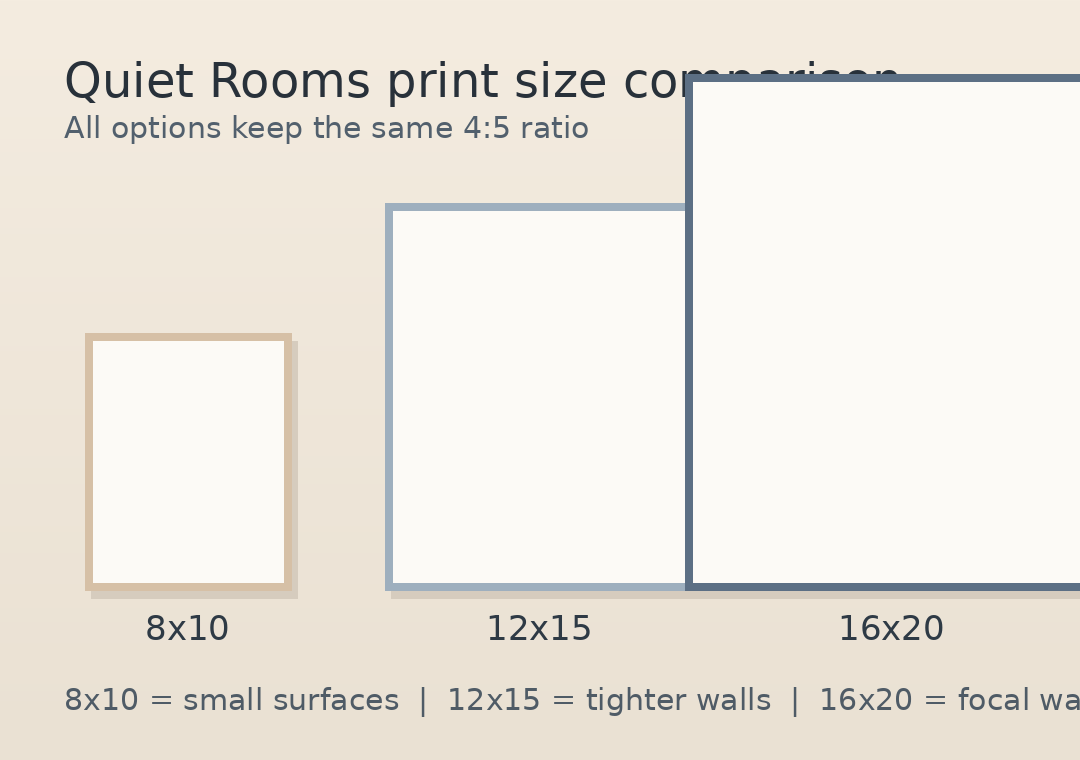
Compare sizes at a glance · Where to print · Common printing questions · Read the Print Guide